
A few years ago, making a video from scratch meant assembling a team, booking studio time, and spending hours in editing software. Today, you can start with nothing more than a written idea and watch AI tools assemble it into a short video in minutes. These platforms take your concept, generate a script, select or create visuals, add voiceover and music, and deliver a polished clip ready to share. The technology has matured quickly, and what once required specialized skills now happens with a few prompts and clicks. Whether you’re a creator testing content formats or a business owner building a social presence, understanding how these tools work helps you decide when and how to use them.
The shift is reshaping how we think about video production. Instead of planning every frame, you hand over an idea and let the AI interpret it. The results aren’t always perfect, but they’re often good enough to spark engagement, test a message, or fill a content calendar. Let’s walk through how these systems turn words into moving images.
From Concept to Script
Most AI video generators start by asking for a written prompt. This might be a single sentence describing your topic, a bullet list of key points, or a more detailed outline. Some platforms let you upload existing text, like a blog post or product description, and extract a video concept from it. The AI then generates a script, breaking your idea into scenes or segments that fit the short-form video structure.
The scripting phase often includes automatic pacing decisions. The tool estimates how long each segment should last, where to pause for emphasis, and how to structure the narrative arc. If you’re making a 30-second explainer, the AI might compress your idea into three or four quick beats. For a 60-second story, it spreads the content across more scenes with room for transitions. You can usually edit the generated script before moving forward, tweaking the wording or rearranging the sequence.
This step saves the most time compared to traditional workflows. Instead of staring at a blank page, you start with a draft that captures your core message. Even if you rewrite half of it, the AI has given you a structure and a starting point. Platforms designed for this workflow often include templates for common formats like tutorials, product demos, or storytelling clips, so the script already follows a proven pattern.
Generating or Selecting Visuals
Once the script is set, the AI matches each segment with visuals. Depending on the platform, this might mean selecting stock footage from a library, generating images from text prompts, or creating short animated clips. Some tools lean heavily on motion graphics and faceless formats, using animated text overlays, data visualizations, or abstract shapes to convey ideas without relying on live actors or custom footage. These formats work well for educational content, news summaries, or brand messaging where the concept matters more than the presenter.
Newer AI models are improving the smoothness of motion in these clips, reducing the jerky transitions or unnatural movements that plagued earlier versions. When you request a scene showing a city skyline at sunset, for example, the AI might generate a slow pan across buildings with warm lighting, and the motion feels more fluid than it did even a year ago. The tools also handle aspect ratios automatically, formatting the video for vertical mobile feeds, square Instagram posts, or widescreen YouTube embeds depending on where you plan to publish.
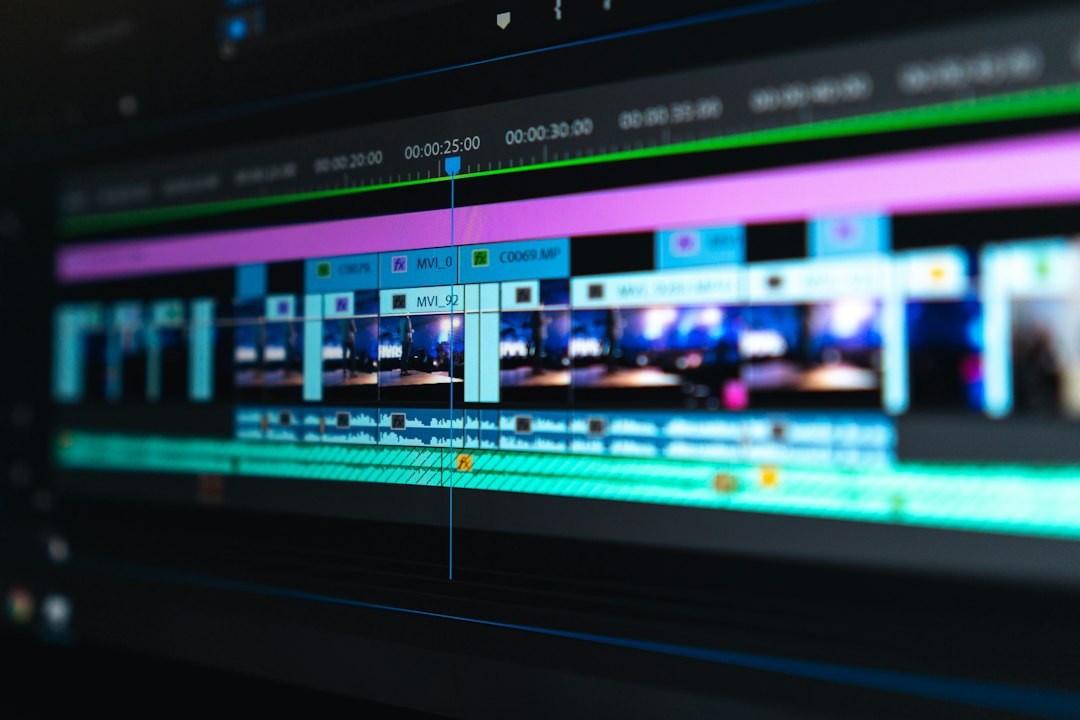
You can often swap visuals if the first pass doesn’t match your vision. Many platforms display a storyboard view where you see all the scenes laid out, and you can click into any frame to regenerate it with a different prompt or replace it with an uploaded image. This flexibility means you’re not locked into the AI’s first interpretation, but you still benefit from the speed of automated assembly.
The advance of technology is based on making it fit in so that you don’t really even notice it, so it’s part of everyday life.
– Bill Gates
Adding Voice, Music, and Captions
Audio layers come next. AI voiceover engines read your script aloud, and you typically choose from a selection of synthetic voices with different tones, accents, and speeds. Some platforms include custom voice creation features, letting you train a voice model on a sample of your own speech for a more personalized sound. Runway’s Pro plan, for instance, includes custom voice creation for lip sync and text-to-speech features, allowing the generated character or avatar to speak in a voice that matches your brand or style.
Background music is usually pulled from a royalty-free library, with the AI selecting tracks that match the mood of your script. Upbeat tech explainer? The tool might choose a bright electronic loop. Reflective story? Expect softer piano or ambient tones. You can preview and swap tracks if the default choice feels off. The system also handles volume balancing, ducking the music when the voiceover speaks and bringing it back up during visual-only moments.
Captions are increasingly baked directly into the video rather than added as a separate subtitle file. Many AI video generators automatically place text on screen as the voiceover plays, making the content accessible and algorithm-friendly from the start. Social platforms tend to favor videos with visible captions because they perform better in silent autoplay feeds, and having the AI handle this step saves you from manual transcription or overlay work. This integrated approach to captions and audio reflects how short-form video has evolved to prioritize watch time and engagement metrics.
Rendering and Iteration
With all the elements in place, the platform renders the final video. This process consumes credits or tokens depending on the service you’re using. Runway offers various plans, including a Free tier with 125 credits for one-time use, Standard at $12 per user monthly when billed annually with 625 monthly credits, Pro at $28 per user monthly when billed annually with 2,250 monthly credits, and Max at $76 per user monthly when billed annually with 9,500 monthly credits. Videos generated on Runway run up to five to ten seconds long, and credit usage varies by model and output settings.
Pika Labs follows a similar model, with a free plan that requires purchased credit packs and no monthly allowance. Paid tiers include Starter at $10 monthly or $8 monthly when billed annually with 900 credits, Creator at $35 monthly or $28 monthly when billed annually with 3,150 credits, and Fancy at $95 monthly or $76 monthly when billed annually with 8,550 or more credits. Pika is known for transforming text prompts, images, and video clips into short animated videos in under 90 seconds, and generated clips max out at 10 seconds.
OpenAI’s Sora has shifted toward monetization as well. As of January 10, 2026, free users can no longer generate images and videos with Sora 2, a feature now limited to Plus subscribers at $20 monthly and Pro subscribers at $200 monthly. The Pro subscription offers longer video generation up to 25 seconds and higher resolution at 1080p with 10,000 credits. Ten additional video generations can cost $4, and credit usage depends on the video’s resolution, length, and complexity. Some sources indicate that the API for Sora is scheduled to shut down on September 24, 2026, though the web and app interfaces continue operating for paying users.
You’ll often go through a few iterations before landing on a version you want to publish. Maybe the pacing feels rushed, or a visual doesn’t align with the message. Most platforms let you regenerate individual scenes without redoing the entire video, so you can tweak one segment and keep the rest intact. This iterative workflow mirrors traditional editing, but the AI handles the technical execution while you focus on creative direction.
Last Thoughts
AI video tools don’t replace the artistry of a well-crafted production, but they lower the barrier to entry in a meaningful way. You no longer need a production budget or weeks of lead time to test a video concept. These platforms let you experiment, fail quickly, and try again without significant cost. For many people, that freedom to iterate unlocks creativity they wouldn’t have explored otherwise.
The technology will keep improving. Motion will get smoother, voices will sound more natural, and the gap between AI-generated and human-made content will narrow. But even now, the tools are capable enough to serve real purposes, whether you’re explaining a concept, promoting a product, or sharing a story. The key is knowing when to lean on automation and when to invest in a more hands-on approach. As you get comfortable with how these systems work, you’ll develop a sense for which ideas benefit from AI speed and which deserve the extra craft. Either way, the ability to turn a written thought into a short video in minutes has become a practical reality, and that shift is reshaping how we communicate online.
Your Questions Answered
How long does it take to create a video from a written idea?
Most AI video platforms can generate a short video in under two minutes once you provide your prompt and make any script edits. The actual rendering time depends on video length and quality settings, but the end-to-end process from concept to finished clip often takes less than ten minutes if you don’t need multiple revisions.
Do I need video editing experience to use these tools?
No prior editing experience is required. These platforms handle the technical work like transitions, timing, and audio mixing automatically. You interact through text prompts and simple controls, and the AI assembles everything behind the scenes. If you can write a paragraph and click through a few menus, you can create a video.
Can I use my own footage and images with AI video generators?
Many platforms let you upload your own images, video clips, or audio files and integrate them into the AI-generated timeline. This hybrid approach gives you the speed of automation while keeping your brand assets or personal footage in the mix. Check the platform’s import options to see what file types and resolutions it supports.
What video lengths work best with these tools?
Most AI video generators are optimized for short-form content, typically between 10 and 60 seconds. Some platforms cap output at 10 seconds per generation, while premium tiers on others extend to 25 seconds or slightly longer. If you need a multi-minute video, you might generate it in segments and stitch them together manually or use a platform designed for longer formats.
How do credits and pricing work for AI video platforms?
Pricing usually follows a credit-based model where each video generation consumes a certain number of credits. The amount varies by video length, resolution, and the AI model you choose. Most services offer a free tier with limited credits to test the platform, then tiered subscriptions that include monthly credit allowances. Some let you purchase extra credits if you run out mid-month.